
Paste or type your text and click generate to convert it into small text.
This Generator is an online tool that converts normal characters into visually smaller Unicode-style fonts that can be copied and pasted anywhere. Instead of resizing text like traditional formatting tools, it transforms standard characters into special Unicode symbols that look tiny, superscripted, or styled. These characters are fully compatible with platforms that support UTF-8 encoding, making them usable across social media, websites, chats, and profiles.
Unlike simple formatting methods that rely on HTML tags such as <small> or CSS font-size properties, a modern Small Text Generator produces actual character transformations. That means your converted text will remain small even when pasted into apps like Instagram, Reddit, LinkedIn, or messaging platforms. This tool is especially popular among creators who want stylish bios, aesthetic captions, unique usernames, or decorative text elements. Whether you’re working on branding, digital art, or playful typography, using a reliable Text Generator ensures your content stands out without requiring design software.
A Small Text Generator is a web-based typography tool that converts regular characters into smaller-looking Unicode symbols. Instead of simply shrinking font size with CSS or HTML styling, it replaces standard letters with special Unicode characters that visually appear tiny. These characters are part of the global Unicode Standard, which ensures they display properly across platforms that support UTF-8 encoding.
When you type normal text into a Text Generator, the tool automatically transforms it into formats like Superscript, Subscript, or stylized miniature letters. The output can then be copied and pasted directly into social media bios, comments, captions, or websites. Since the characters themselves are changed, the small appearance remains intact wherever the text is pasted. Many users confuse this tool with a simple font resizer, but it works differently. It functions more like a character converter, similar to a tiny text converter or mini text generator, by mapping letters to supported Unicode equivalents. This makes it ideal for creative branding, aesthetic usernames, and decorative typography without needing design software or advanced formatting skills.
This Generator works by converting standard keyboard characters into alternative Unicode symbols that visually appear smaller. Instead of reducing font size using CSS or HTML, the tool maps each regular letter to its closest equivalent in Superscript, Subscript, or small-style Unicode characters. These special symbols are part of the official Unicode Standard, which ensures compatibility across devices and platforms that support UTF-8 encoding.
When a user enters text into a Small Text Generator, the system processes each character individually. For example, the letter “a” may be replaced with its superscript version (ᵃ) if available. This transformation happens instantly, making the tool function similarly to a small font text generator or mini text generator that performs real-time character replacement. Because the output consists of actual Unicode symbols, the converted text can be copied and pasted into platforms like Instagram, Reddit, LinkedIn, or messaging apps without losing its small appearance. The generator does not modify formatting; it replaces characters entirely, ensuring consistent results across browsers, mobile devices, and desktop systems.
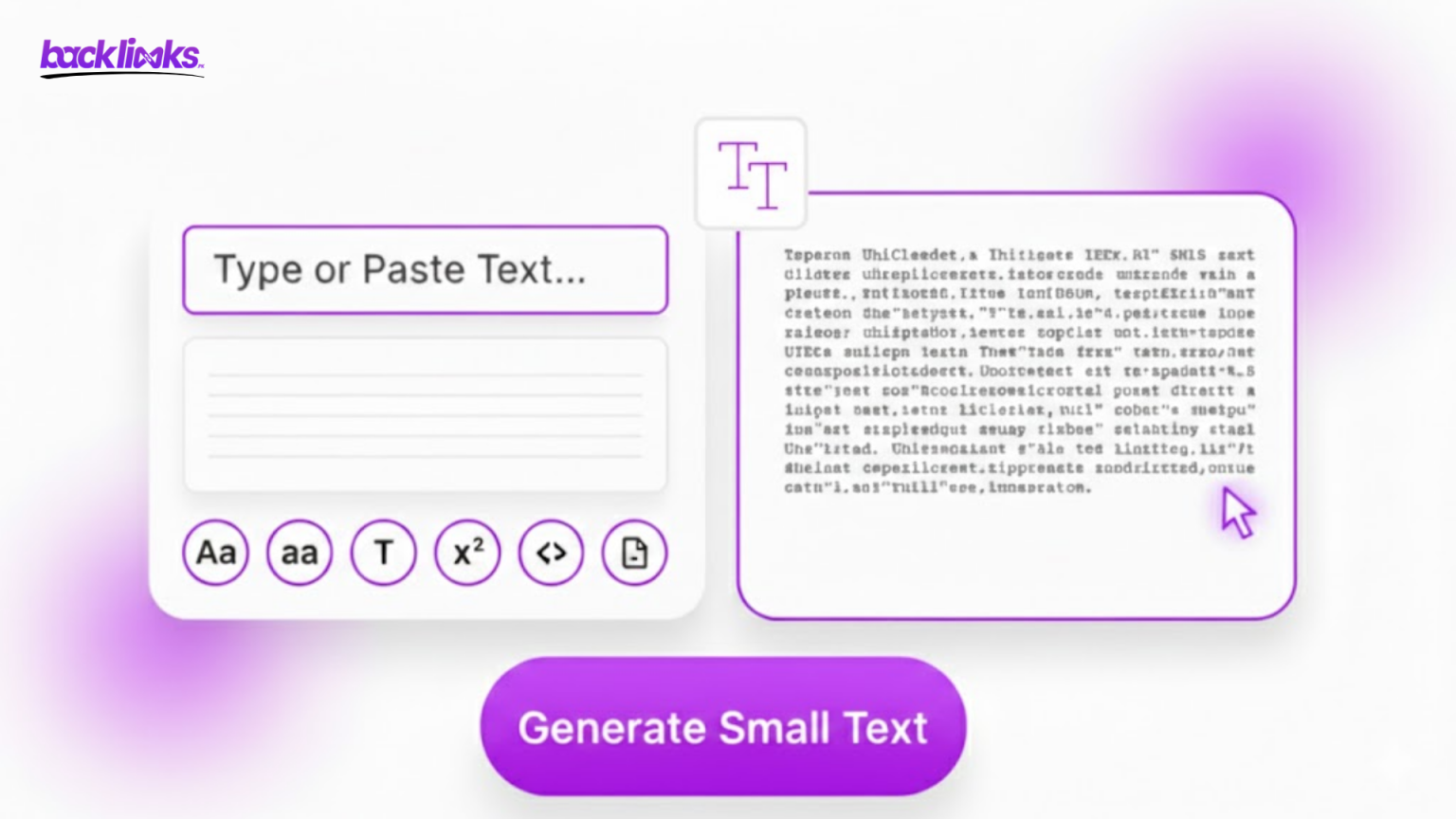
A modern Small Text Generator supports multiple Unicode-based styles, each designed for different creative and functional purposes. These styles are not traditional fonts but character substitutions defined under the Unicode Standard, ensuring cross-platform compatibility. Below are the most commonly used formats.
Superscript characters are raised above the baseline and appear smaller than regular text. They are often used for mathematical expressions, footnotes, or stylistic captions. This Generator converts standard letters into Superscript Unicode equivalents wherever available. For example, “hello” may become “ʰᵉˡˡᵒ”. While not every letter has a perfect superscript match, most generators intelligently map the closest alternative.
Subscript characters sit slightly below the normal text line. Originally used in scientific formulas and chemical equations, they are now also used decoratively. A mini text generator may include subscript transformations, creating visually compact text suitable for artistic layouts or stylized bios.
A small caps text generator produces capital-style letters that are smaller than standard uppercase text. Unlike superscript, small caps stay aligned with the baseline, making them ideal for headings, usernames, and subtle branding accents. These characters provide a clean, professional aesthetic without overwhelming the layout.
Many users assume that a Small Text Generator simply reduces the font size of text, but that is not how it works. Regular font resizing relies on HTML tags like <small> or CSS properties such as font-size. These methods visually shrink text only within a specific webpage or design environment. Once copied and pasted elsewhere, the formatting often disappears. This Generator, on the other hand, replaces normal characters with smaller-looking Unicode symbols. Because the characters themselves are transformed, the small appearance remains consistent across platforms that support UTF-8 encoding. This makes it more reliable than traditional formatting methods.
For example, if you reduce text size in a website editor and paste it into Instagram or Reddit, it may revert to standard size. However, text produced by a tiny text converter or small font text generator maintains its appearance across social media, messaging apps, and profile fields. In short, font resizing changes styling, while a Text Generator changes the actual characters. This key difference is why Unicode-based small text works almost everywhere without losing its visual effect.
Using a Text Generator is simple and requires no technical skills. The process is designed to work instantly, allowing users to convert regular text into tiny Unicode-style characters in just a few clicks. Follow this step-by-step guide to get started.
Open your preferred Text Generator and type or paste your normal text into the input box. The tool immediately begins processing your content. Whether you’re creating a social media bio or decorative caption, this works like a tiny text converter, transforming each character individually using supported Unicode equivalents.
Most tools offer multiple formats such as Superscript, Subscript, and Small Caps. Some advanced generators may also include bold, bubble, or decorative variations similar to tools offered by platforms like DNSChecker or Picsart. Select the style that best matches your design or branding needs.
After conversion, simply copy the output and paste it into platforms like Instagram, LinkedIn, Reddit, presentations, or chat applications. Because the Small Text Generator uses Unicode characters, your text will retain its tiny appearance across most modern devices and browsers.
A high-quality Small Generator offers more than simple character conversion. Modern tools are built for speed, compatibility, and versatility, ensuring users can create tiny Unicode text without limitations. Below are the core features that define a reliable and professional generator.
The foundation of any advanced Small Text Generator is its use of the official Unicode Standard. Instead of changing visual formatting, it replaces regular letters with supported Unicode alternatives such as Superscript, Subscript, and small caps characters. Because these symbols follow UTF-8 encoding, they display consistently across browsers, smartphones, and desktop systems.
A powerful mini text generator provides multiple variations in real time. Users can instantly generate superscript, small caps, and decorative options similar to those seen in tools by DNSChecker or Picsart. This versatility makes it suitable for branding, aesthetic bios, and creative typography.
Most modern generators are free and require no sign-up or download. You can convert unlimited characters, copy results instantly, and use them across platforms like Instagram, Reddit, and LinkedIn without restrictions.
A reliable Text Generator works smoothly on mobile devices, tablets, and desktops. Since it uses Unicode rather than styling code, it ensures maximum cross-platform compatibility.
A Small Generator is more than a decorative tool; it has practical applications across digital platforms. Because it uses Unicode characters instead of simple font resizing, the converted text remains visually small wherever it is pasted. This makes it highly useful in creative, professional, and personal contexts.
One of the most popular uses of a Small Generator is on platforms like Instagram, Reddit, and LinkedIn. Users often apply a tiny text converter to create aesthetic bios, subtle disclaimers, or stylish captions. The miniature characters help highlight specific words without overwhelming the design.
Gamers, influencers, and content creators frequently use a mini text generator to design unique usernames. Small caps or superscript text can make a profile stand out while maintaining readability.
Graphic designers and bloggers use a small font text generator for branding accents, website elements, and artistic typography. Since the output is based on the Unicode Standard, it integrates smoothly into websites, blogs, and presentation slides without additional formatting adjustments.
Using a Small Text Generator offers several advantages beyond simple visual styling. Because it converts characters into Unicode symbols instead of adjusting font size, the results remain consistent across platforms. This makes the tool both practical and versatile for digital communication.
One of the biggest benefits of a Small Generator is compatibility. Since the tool relies on the official Unicode Standard and UTF-8 encoding, the converted text displays correctly on most modern browsers, mobile devices, and apps. Whether you paste it into Instagram, Reddit, or LinkedIn, the small appearance typically remains intact.
A tiny text converter eliminates the need for graphic design tools or complex formatting. You simply enter your text, choose a style, and copy the result. This makes it accessible to beginners and professionals alike.
A reliable mini text generator provides real-time output. There is no need to download software or install extensions. The process is quick, efficient, and user-friendly.
A Text Generator helps create subtle emphasis, aesthetic bios, artistic captions, and decorative elements. It adds personality to digital content without overwhelming readability or layout design.
In today’s digital world, presentation plays a crucial role in communication. A Small Text Generator is not just a novelty tool; it is a practical typography solution powered by the official Unicode Standard. By converting regular characters into superscript, subscript, or small caps variations, it enables users to create visually distinctive content that works across platforms, supporting UTF-8 encoding. Unlike traditional font resizing methods that rely on HTML or CSS, a Small Generator transforms the actual characters. This ensures that the small appearance remains consistent when pasted into platforms like Instagram, Reddit, LinkedIn, blogs, and messaging applications. Whether you are customizing a bio, designing creative captions, or adding subtle stylistic elements to a website, the tool offers flexibility without requiring design expertise. Modern generators function similarly to a tiny text converter, small caps text generator, or mini text generator, providing multiple style options instantly.
A Small Text Generator is sometimes referred to as a tiny text converter, mini text generator, or small font text generator. All of these terms describe tools that convert regular characters into smaller-looking Unicode symbols. Instead of resizing fonts visually, these tools replace letters with special Unicode equivalents such as superscript or small caps characters.
Text created with a Small Generator can be used on platforms that support the Unicode Standard and UTF-8 encoding. This includes social media sites like Instagram, Reddit, and LinkedIn, as well as messaging apps, blogs, and website content fields. Because the generator converts actual characters rather than applying formatting, the small appearance usually remains consistent when pasted into captions, bios, usernames, comments, and presentations.
Yes, a modern Text Generator works smoothly on smartphones, tablets, and desktop browsers. Since it relies on Unicode characters rather than CSS styling, compatibility is generally strong across Android, iOS, Windows, and macOS systems. As long as the device supports UTF-8, the converted text should display correctly.
Most online tools function as a free and unlimited mini text generator, meaning there is no strict word limit for conversion. You can typically paste long paragraphs, captions, or usernames without restrictions. However, platform-specific limits, such as character caps on social media bios, may still apply. The Text Generator itself usually does not restrict how much text you convert.
A Text Generator may offer multiple styles. Superscript characters appear slightly above the normal text line and are often used in mathematical expressions. Subscript characters appear slightly below the baseline and are common in scientific notation.