
Choose your preferred support
JSON is a lightweight data interchange format widely used for transmitting data between servers and applications. With the rise of APIs and modern web development, having a reliable Json Viewer is essential to view JSON data, parse JSON online, and format it efficiently. Unlike traditional formats like XML, JSON is human-readable and easy to work with, making it ideal for developers, analysts, and content creators. An online JSON formatter allows you to quickly pretty print JSON, debug errors, and explore complex nested structures without installing any software. This makes JSON Viewer an indispensable tool for rapid data inspection.
Using an online Json Viewer saves time and simplifies working with JSON data. You can view JSON data instantly without installing any software, making it perfect for developers, testers, and analysts. Online tools allow you to parse JSON online, format JSON, and pretty print JSON with just a few clicks. They are accessible from any browser on Windows, Mac, or Linux, providing a cross-platform solution for inspecting large or complex JSON files. With features like error validation, minification, and tree view exploration, an online JSON Viewer ensures faster debugging and effortless data management.
Our Json Viewer comes packed with essential features to make JSON inspection seamless. You can view JSON data in tree or plain text format, parse JSON online instantly, and pretty print JSON for readability. The tool also allows JSON validation, helping you detect and fix errors in seconds. With options to minify JSON or convert it to CSV and XML, developers can handle large datasets efficiently. Upload your JSON files or load external URLs directly into the viewer for fast processing. Easily beautify JSON data for better readability using the JSON formatter. Automatically detect and fix invalid JSON with the JSON validator.
Using the Json Viewer is simple and intuitive. Start by pasting your JSON data or uploading a JSON file from your computer. The tool will display your JSON in a tree view for easy navigation. You can parse JSON online, format it with the JSON formatter, or compress it using the minify feature. Once satisfied, download your processed JSON or share it with others via a link. This makes viewing and editing JSON data faster and accessible from any browser. Developers can benefit immensely from a Json Viewer. It helps view JSON data received from APIs, test responses, and debug code efficiently. With JSON parser online functionality, developers can convert raw JSON into structured formats without writing extra code. Pretty print JSON makes nested objects easier to read, while the validator ensures no syntax errors. Integration with tools like Python, PHP, and JavaScript enhances productivity, making this viewer an essential part of any development workflow.
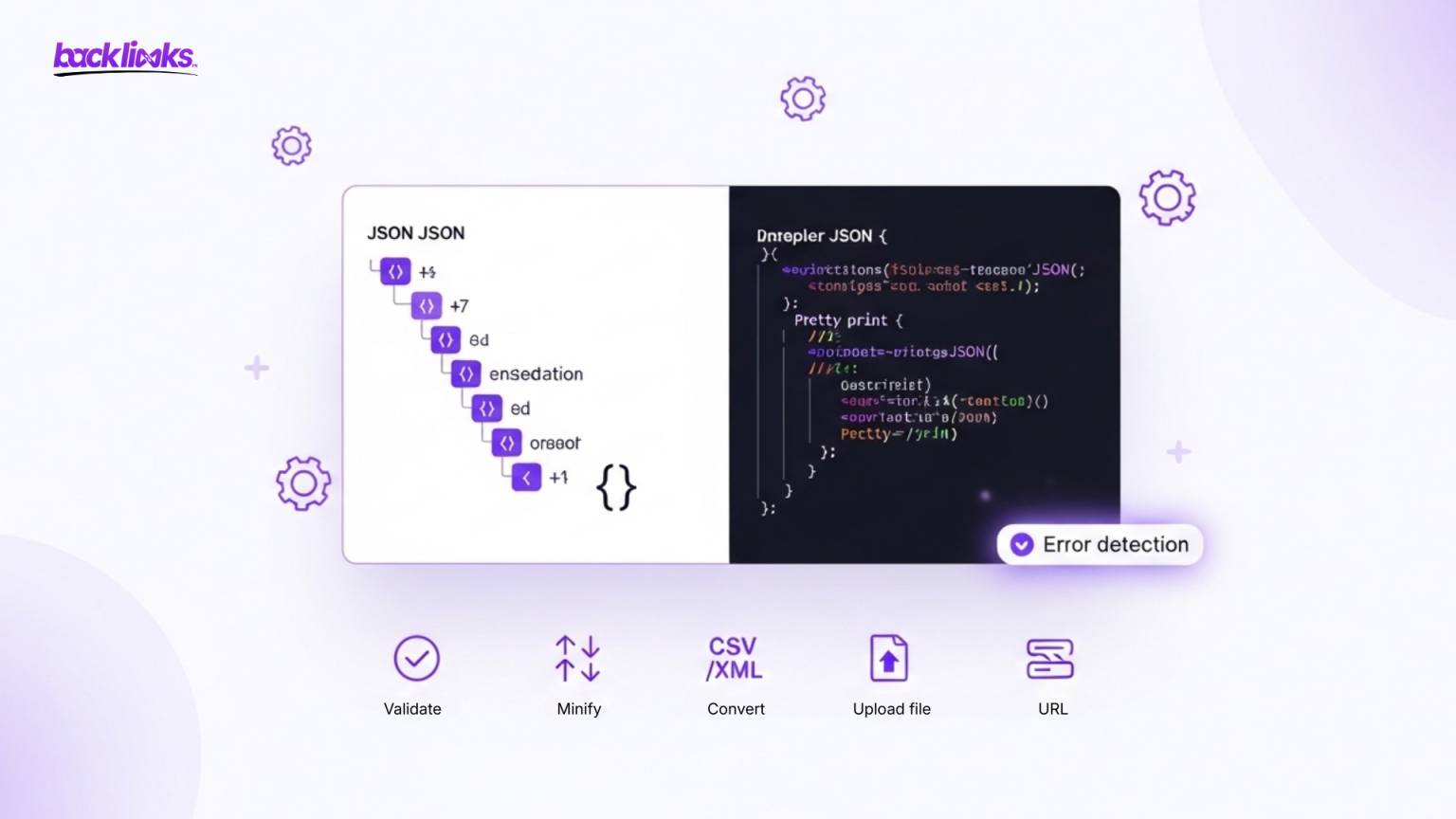
Minifying JSON reduces file size, improving web performance and faster transmission between servers and clients. Our Json Viewer allows you to minify JSON files while preserving their functionality. By removing whitespace and line breaks, the tool creates compact JSON suitable for production environments. Developers can use this feature alongside pretty print JSON for editing and testing, ensuring their JSON data remains readable during development and optimized for deployment.
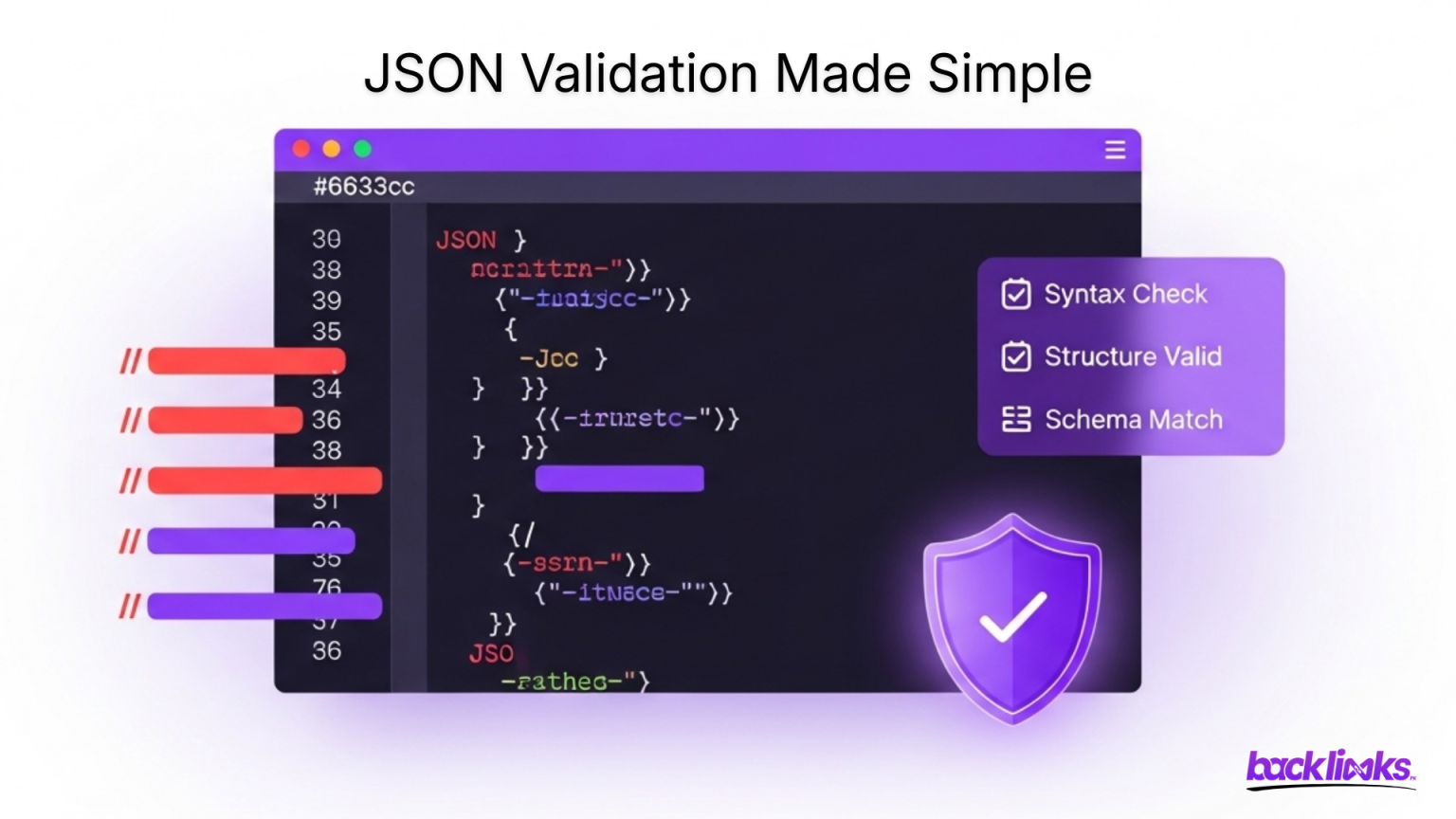
Validating JSON is crucial for error-free applications. The Json Viewer provides an automatic JSON validator to check syntax and highlight errors. It supports complex nested structures and detects missing commas, brackets, or quotation marks. You can parse JSON online and instantly correct mistakes, ensuring smooth integration with APIs and web applications. Validation helps avoid runtime errors and improves overall data integrity for projects of any size.The Json Viewer doubles as a JSON converter. You can convert JSON data into CSV for spreadsheets or XML for legacy systems. This is useful when sharing data across platforms or integrating with different software. Simply load your JSON, select the desired output format, and export it. This makes your online JSON tool versatile for developers, analysts, and business users alike.
Upload your JSON files directly to the viewer to start analyzing instantly. The tool supports multiple file sizes and formats, including .json. After uploading, you can pretty print JSON, parse JSON online, and explore nested objects with ease. This eliminates the need for manual copying and pasting, making large-scale data handling fast and efficient.The Json Viewer works seamlessly on Windows, Mac, and Linux. It is fully compatible with modern browsers like Chrome, Firefox, and Edge. Users can view JSON data, pretty print JSON, or parse JSON online from any device, making it ideal for remote work, cloud-based projects, or collaborative environments. JSON is lighter and easier to read than XML, making it the preferred format for web APIs and applications. Unlike XML, JSON eliminates unnecessary closing tags, reducing file size. Using braces and brackets, JSON structures data clearly, which simplifies view JSON data tasks. Faster parsing and readability make JSON Viewer essential for developers working with real-time data.
Our Json Viewer is fast, reliable, and user-friendly. No downloads or installations are needed, and it works across all platforms. With features like JSON formatter, JSON parser online, validation, minification, and file conversion, developers and analysts can inspect data efficiently. The tool makes handling JSON simple and effective, ensuring seamless integration with any web application or API workflow.
To get the most out of your Json Viewer, follow these pro tips. Always use a JSON formatter before analyzing complex structures to improve readability. Combine parse JSON online with validation to catch errors early and prevent bugs in applications. Use the minify feature for production-ready JSON, and leverage tree view exploration for nested objects. Loading external URLs allows you to test live API responses instantly. These small practices make inspecting, editing, and sharing JSON data faster, smarter, and more efficient.
The Json Viewer is an essential tool for developers, testers, and analysts who need to view JSON data, parse JSON online, and print JSON efficiently. With features like JSON formatter, validation, minification, file upload, and conversion to CSV or XML, managing JSON has never been easier. Its online, cross-platform nature ensures you can inspect data anytime, anywhere without additional software. By using this JSON Viewer, you save time, reduce errors, and improve workflow efficiency, making it a must-have tool for handling complex or large datasets in modern web applications.
A Json Viewer is an online tool that allows you to view JSON data, parse JSON online, and pretty print JSON. It helps developers and analysts inspect, validate, and format JSON files quickly without installing software.
Simply paste your JSON data or upload a file to the online viewer. You can then explore nested objects, format JSON, validate errors, and pretty print JSON for readability.
Yes! The JSON Viewer supports uploading .json files of various sizes. Once uploaded, you can view JSON data, edit, validate, and convert it to other formats like CSV or XML.
Absolutely. You can provide an external JSON URL, and the Json Viewer will fetch and display the data. This feature allows you to parse JSON online directly from APIs or live feeds.
JSON pretty print formats raw JSON into an indented, human-readable structure. It makes it easier to analyze nested objects and arrays while debugging or sharing data.
Yes. The JSON Viewer validates your JSON, highlighting syntax errors and missing characters. You can fix issues immediately and ensure your data is ready for APIs or web applications.
Yes, our online JSON Viewer is completely free. You can view JSON data, parse JSON online, pretty print JSON, and use advanced features without any installation or subscription.