
Website speed plays a critical role in user experience and search engine rankings. One of the most effective ways to improve performance is by reducing the size of your CSS files. A CSS minifier helps you remove unnecessary characters from CSS code without affecting functionality, resulting in faster loading pages and better performance. Modern websites often rely on large stylesheets filled with whitespace, comments, and redundant code. While this improves readability for developers, it increases file size for browsers. Using a CSS minifier ensures your website delivers only what is necessary for rendering styles, improving load time, and efficiency. This is especially important for mobile users and performance-focused websites. Search engines like Google consider page speed as a ranking factor, making CSS optimization an essential part of technical SEO. In this guide, you’ll learn how CSS minification works, why it matters, and how to choose the best tools to compress CSS effectively.
A CSS minifier is a tool designed to optimize CSS files by removing unnecessary characters such as spaces, line breaks, comments, and formatting. These elements are useful for developers but unnecessary for browsers. By stripping them out, the minifier produces a compact version of the same CSS that loads faster. When you minify CSS code, the structure and functionality remain unchanged. The browser interprets minified CSS the same way it reads formatted CSS, but with reduced file size. This automated process eliminates the risk of manual errors and ensures consistent results across different projects.
Most CSS minify tools work instantly. You paste your code or upload a file, and the tool outputs a compressed version ready for deployment. This makes CSS minification accessible to developers, designers, and website owners alike.
A CSS minifier improves website performance by reducing the amount of data transferred between the server and the browser. Smaller files load faster, especially on slower networks and mobile devices. This leads to better page speed scores and a smoother user experience.
Performance tools such as Google PageSpeed Insights often highlight large CSS files and render-blocking styles as key optimization opportunities. By using minified CSS, websites can reduce render-blocking delays and improve critical performance metrics like First Contentful Paint (FCP) and Largest Contentful Paint (LCP). In competitive environments, even small speed improvements can significantly impact bounce rates and conversions. Using a CSS minifier is one of the easiest and most effective performance wins available.
A CSS compressor and a CSS minifier are often used interchangeably, but their purpose is the same: reducing CSS file size. Compression usually refers to shrinking files through the removal of unnecessary characters or through server-level techniques like Gzip.
In practice, most tools labeled as CSS compressors also function as minifiers. They clean up code and output a compact version suitable for production use. Using either approach helps reduce CSS file size and improve delivery speed. For most users, choosing a reliable CSS minification tool is enough to achieve optimal compression without worrying about technical differences.
Choosing the best CSS minifier depends on accuracy, speed, and ease of use. A good tool should preserve CSS functionality while removing unnecessary elements safely. It should also handle large files and modern CSS syntax without errors.
Many developers integrate CSS minification into build processes, while others rely on online tools for quick optimization. Platforms like WordPress often support CSS minification through plugins or external services, making it accessible even to non-technical users. The best CSS minifier is one that fits your workflow, whether automated or manual, and delivers consistent results.
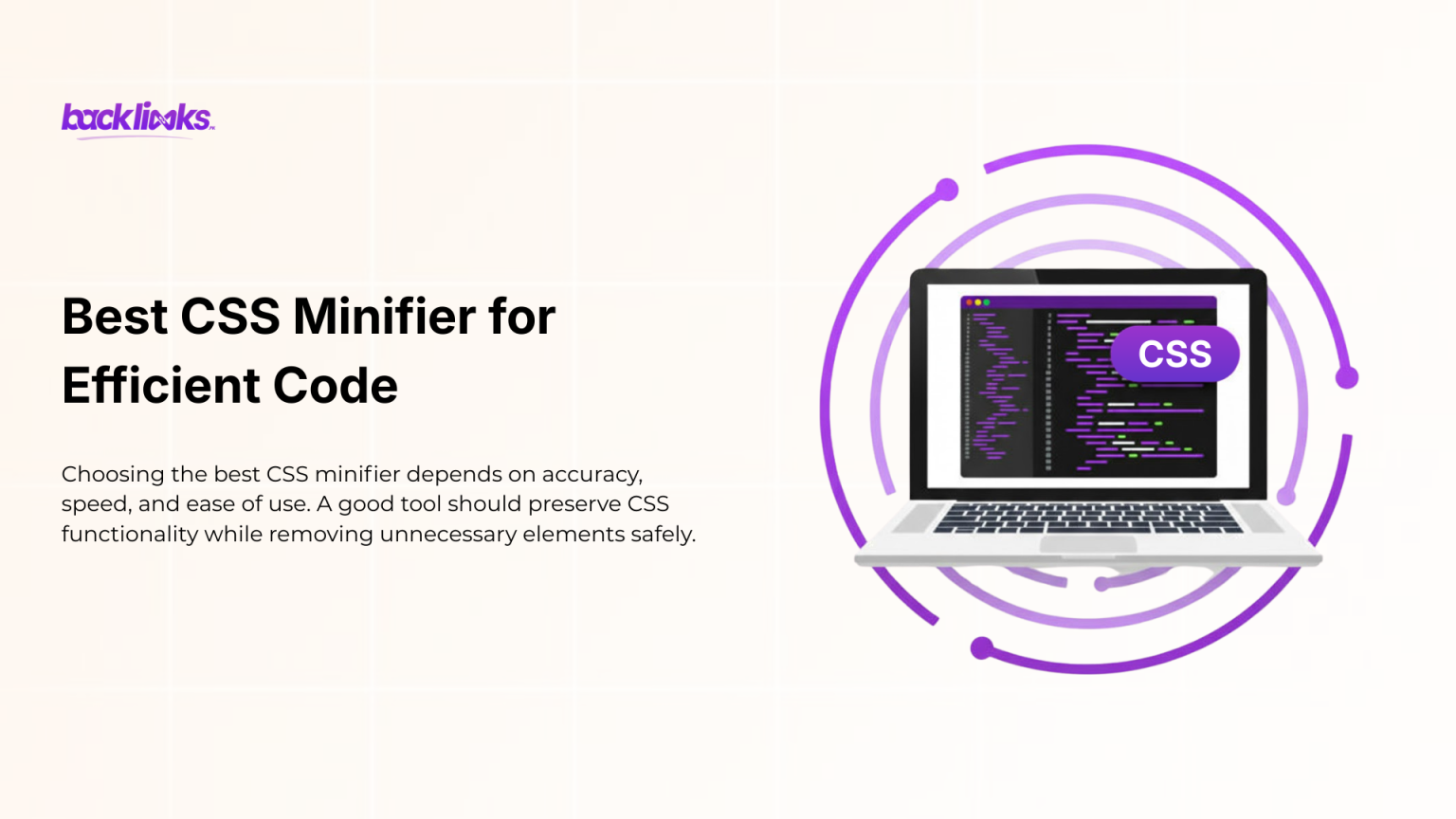
A CSS minification tool simplifies the optimization process by automating code cleanup. Instead of editing CSS manually, you can instantly generate a production-ready file optimized for performance.
These tools are useful for developers working on large projects and website owners managing performance without coding expertise. Many CSS minify tools support bulk files, making them ideal for scalable websites. Using a CSS minifier regularly ensures your stylesheets remain optimized as your website grows.
To reduce CSS file size, you need to eliminate unnecessary code and deliver lean stylesheets. Smaller CSS files load faster, reduce server load, and improve overall site responsiveness.
Search engines favor fast websites because they provide a better user experience. When CSS loads quickly, pages render faster, users stay longer, and engagement improves. A CSS minifier plays a direct role in achieving these benefits. Optimized CSS is especially important for e-commerce and content-heavy websites where every millisecond matters.
Tools that compress CSS online are ideal for quick optimization. They require no installation and work directly in the browser. You simply paste your CSS or upload a file and get an optimized output instantly.
Online compression tools are perfect for small projects, quick fixes, or non-technical users. They help ensure CSS optimization without complex setup or configuration. Using a CSS minifier online is often the fastest way to improve performance with minimal effort.
A CSS minifier online offers speed and accuracy compared to manual optimization. Writing optimized CSS by hand is time-consuming and prone to mistakes, especially in large files.
Automated minification ensures consistent formatting and removes all unnecessary characters safely. Manual optimization may work for small snippets, but it does not scale well. For reliability and efficiency, most professionals rely on CSS minification tools rather than manual cleanup.
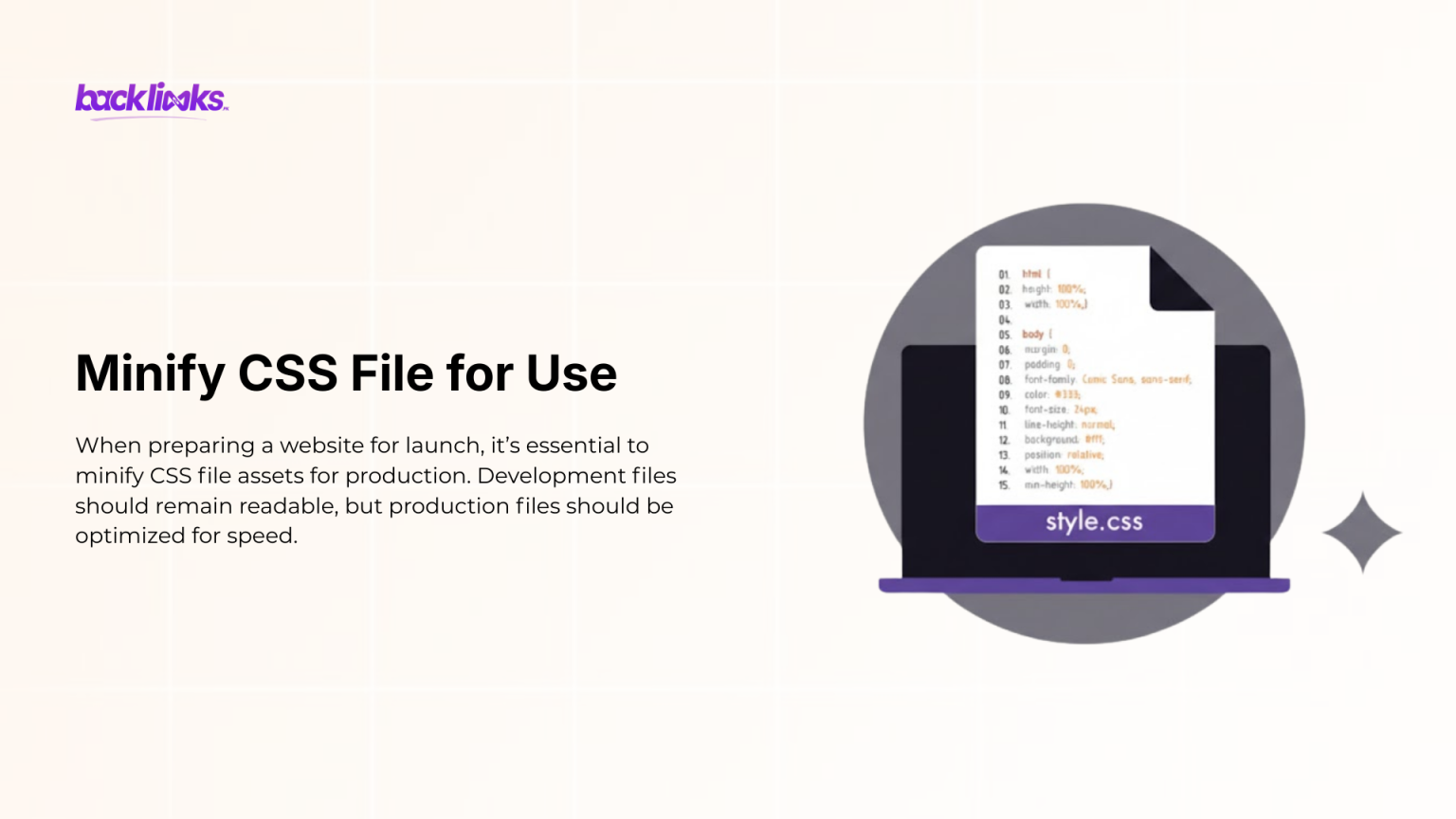
When preparing a website for launch, it’s essential to minify CSS file assets for production. Development files should remain readable, but production files should be optimized for speed.
Minified CSS reduces bandwidth usage and improves load time across devices. This practice is standard in modern web development and essential for performance-focused websites. A CSS minifier ensures your final CSS files are optimized without breaking layout or design.
Many users make mistakes when optimizing CSS, such as minifying files multiple times or editing minified files directly. Another common error is forgetting to keep original files for future updates. Some also block critical CSS unintentionally during optimization. Using a reliable CSS minifier helps avoid these issues by producing safe and consistent output. Always test your site after minification to ensure everything renders correctly.
A CSS minifier is no longer an optional optimization step; it is a core requirement for any modern, performance-driven website. As websites grow in complexity, CSS files naturally become larger and harder to manage. Minifying CSS ensures that your site delivers only essential styling information to browsers, reducing load time and improving rendering speed across all devices, especially mobile. From an SEO perspective, performance optimization directly influences rankings and user engagement. Search engines like Google prioritize fast, user-friendly websites, and reduce CSS file size plays a major role in meeting those expectations. Faster pages lead to lower bounce rates, higher session durations, and better conversion potential.
Whether you are running a blog, e-commerce store, SaaS platform, or portfolio website, optimized CSS contributes to measurable business results. Ultimately, using a CSS minifier helps you maintain clean, production-ready code without sacrificing development flexibility. You can keep readable CSS files for development while serving minified versions in production for maximum efficiency.
Explore other helpful Tools:
A CSS minifier removes unnecessary characters from CSS files to reduce size and improve loading speed.
Yes, minification does not change how CSS works. It only removes formatting that browsers don’t need.
Yes, faster loading pages improve user experience and support better rankings.
Yes, WordPress websites benefit greatly from CSS minification through plugins or tools.
Yes, many tools allow you to compress CSS online and minify CSS online at no cost.