
Choose your preferred support
Generate and copy invisible characters (blank spaces). Choose how many you want, then copy. This tool uses Zero Width Space (U+200B) by default.
An invisible Character Tool is a utility that lets you copy and paste characters that appear blank but actually contain hidden encoding data. These characters are not ordinary spaces typed from a keyboard. Instead, they are special symbols defined within the Unicode system that do not render visibly on most screens. Many users think pressing the spacebar creates invisible text. However, a regular space is detectable and often removed by platforms. An invisible Unicode character, such as a Zero Width Space (ZWSP), behaves differently. It occupies no visible width but still exists as a valid character in text processing systems.
People use an invisible text generator to create blank usernames, send empty messages, or format content creatively. For example, users on Instagram, Discord, and WhatsApp sometimes rely on blank character copy paste techniques to bypass platform restrictions. Unlike characters defined under ASCII, invisible characters belong to extended Unicode ranges. This makes them compatible across most modern devices and browsers. Understanding how an invisible Character Tool works is essential before using it. In the following sections, we will explore technical foundations, practical use cases, safety considerations, and common issues.
An invisible Unicode character is a special type of character defined within the Unicode that has no visible appearance but still exists in digital text. Unlike standard letters or symbols, these characters occupy no visible space on the screen, yet systems recognize them as valid input. Common examples include:
When you use an invisible Character Tool, it inserts one of these Unicode values into your copied text. Although nothing appears visually, the character is embedded within the string. That’s why blank character copy paste works on many platforms where regular spaces fail. These characters differ from traditional spaces defined under ASCII. ASCII supports limited character sets, while Unicode includes thousands of symbols, including invisible formatting marks.
Technically, when text is processed in HTML or messaging systems, invisible characters can alter rendering behavior without displaying visible glyphs. This makes an invisible text generator useful for formatting tricks, unique usernames, and spacing control. However, not all platforms treat these characters equally. Some detect and remove them, while others allow them without restriction. That’s why understanding how invisible characters work ensures safe and effective usage.
Many people assume that pressing the spacebar creates the same effect as using an invisible Character Tool, but this is not true. A regular space and an invisible Unicode character behave very differently at the technical level. A standard space (U+0020) is defined under the ASCII and is fully visible to systems. Even though it looks blank to humans, platforms can easily detect and trim multiple consecutive spaces. For example, messaging apps or form fields may automatically remove extra spaces. In contrast, an invisible Unicode character such as Zero Width Space (U+200B) is defined under Unicode. It does not occupy visual width, and many systems treat it differently from regular spaces. This is why blank character copy paste often works in usernames where spaces are not allowed. Here’s a simplified comparison:
When users apply an invisible text generator, they are inserting a Unicode formatting mark rather than a simple blank space.
Understanding this distinction helps avoid confusion when using an invisible Character Tool on platforms like Instagram or Discord.
This Tool is commonly used across gaming platforms, social media networks, messaging apps, and even content formatting systems. Because these characters appear blank but are still technically valid input, they allow users to create creative formatting effects.
Players often use an invisible text generator to create blank or partially blank usernames. Games like Fortnite and PUBG sometimes allow invisible Unicode character insertion, helping users create unique-looking IDs.
On platforms like Instagram and Twitter, users may use blank character copy paste techniques to add spacing between lines in bios or captions.
Users sometimes send empty messages using invisible characters on WhatsApp or Discord. Since many apps do not allow completely blank messages, inserting an invisible Unicode character bypasses that limitation.
In HTML or content management systems, invisible characters can influence layout and spacing without displaying visible elements.
Writers and designers may use empty text character tricks to create hidden formatting gaps in stylized posts.
While these uses are popular, users should always apply invisible characters responsibly to avoid violating platform rules.
Using this Tool is simple, but applying it responsibly is important. While invisible characters can help with formatting and creative customization, misuse may cause technical issues or violate platform guidelines.
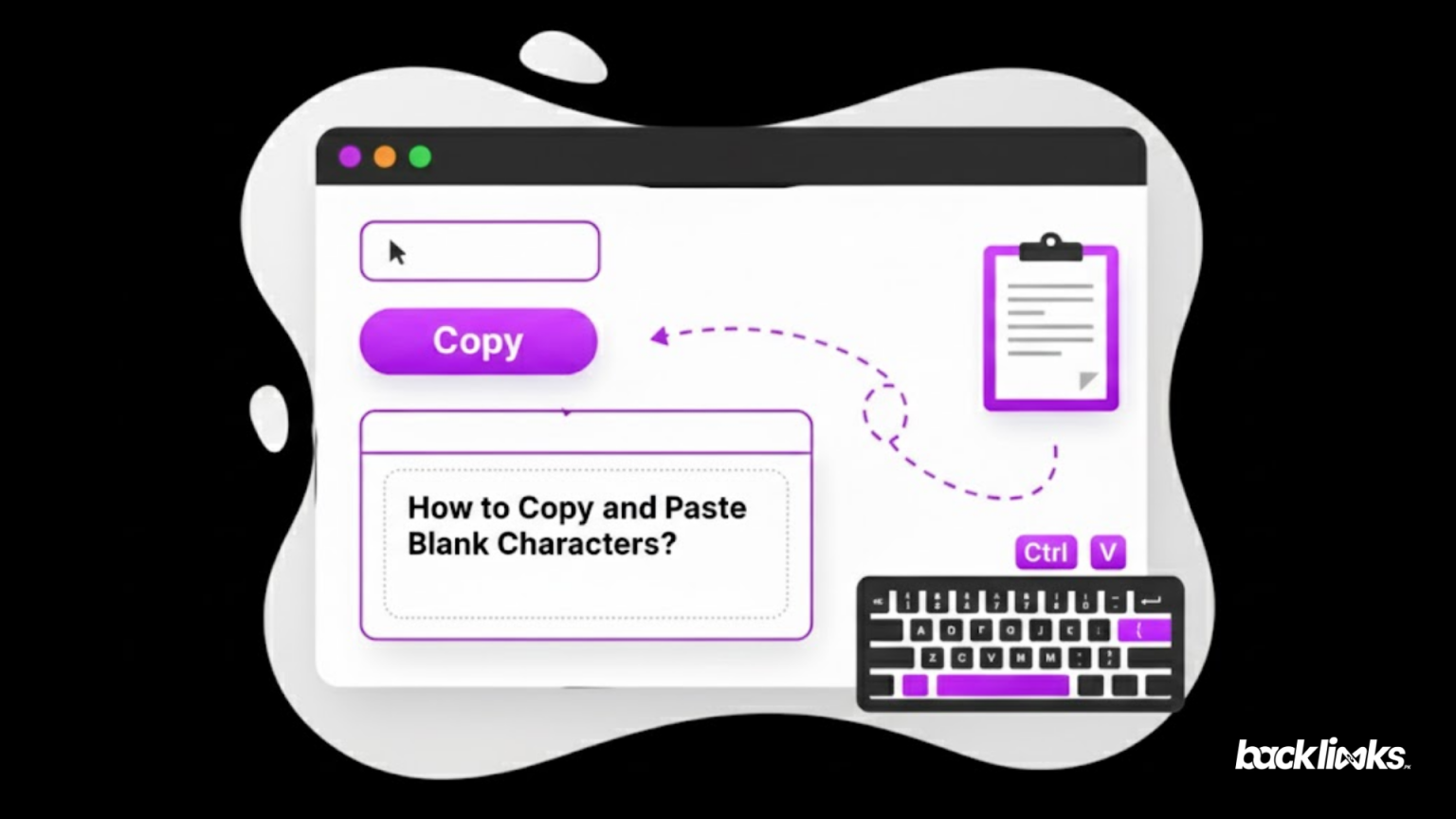
Open a trusted invisible text generator and click the copy button. This inserts a valid invisible Unicode character into your clipboard.
Use the blank character copy paste method in a username field, bio section, or message input. Always test before saving changes to confirm the platform accepts them.
Not all systems handle invisible characters the same way. Some platforms may display a square symbol (□) if the character is unsupported. This usually happens when encoding compatibility fails under certain rendering engines.
Excessive use of invisible characters can trigger spam detection systems. Platforms like Discord or Instagram may restrict accounts if formatting appears manipulative.
Always review the terms of service before using hidden characters in usernames or messages. Misuse may lead to moderate actions.
This Tool is best used for formatting convenience, not deception. When applied carefully, it remains a safe and practical utility for digital customization.
Although an invisible Character Tool works smoothly on most modern platforms, users sometimes face unexpected problems. Invisible Unicode characters behave differently depending on platform rules, rendering engines, and encoding compatibility.
If you see a square symbol instead of a space, the platform may not support that specific invisible Unicode character. This happens when the rendering system cannot interpret the Unicode value correctly.
Some platforms automatically strip hidden characters during submission. Messaging apps or comment sections may detect and remove invisible formatting marks to prevent spam.
Games like Fortnite or social platforms like Discord sometimes validate usernames and block empty text character tricks.
Blank character copy-paste may fail if the character was copied from an unreliable source. Always use a trusted invisible text generator.
Older systems using limited character sets under ASCII may not fully support extended characters from Unicode.
Hidden characters inside website content can trigger spam detection algorithms, especially when used excessively.
To avoid these issues, test the invisible Character Tool output before final use and ensure the platform supports modern Unicode rendering.
An invisible Character Tool can be useful for formatting and customization, but it also raises important security and moderation concerns. Because invisible Unicode characters do not display visibly, they can sometimes be misused to bypass filters, manipulate usernames, or hide content.
Modern platforms use automated moderation systems to detect suspicious formatting. Apps like Discord and Instagram often scan text input for hidden patterns. Excessive blank character copy paste usage may trigger spam detection or content review.
Some malicious users attempt to insert invisible Unicode character sequences to bypass keyword filters. However, advanced systems normalize text using Unicode rules, removing hidden formatting marks.
When invisible characters are inserted inside HTML or scripts, they may cause debugging confusion. Developers must sanitize inputs to prevent formatting errors or unexpected behavior.
Using an invisible text generator responsibly means avoiding deceptive practices. It should not be used to impersonate users, manipulate rankings, or mislead others.
Some gaming platforms and messaging apps may restrict accounts that exploit empty text character tricks repeatedly.
This Tool is safe when used for harmless formatting or creative customization. Always respect platform policies and use hidden characters ethically to avoid penalties or account restrictions.
An invisible Character Tool may look like a simple utility, but it operates on powerful encoding principles defined by Unicode. These invisible Unicode characters allow users to insert blank text that appears empty while still being technically valid input. This capability makes the tool extremely versatile, but also sensitive. Throughout this guide, we explored how invisible characters differ from standard spaces defined under ASCII, how they are used in gaming platforms like Fortnite, and how social media users apply blank character copy-paste tricks on Instagram and Discord.
An invisible Character Tool is an online utility that generates hidden Unicode characters that appear blank but still function as valid text input. These characters can be copied and pasted into usernames, messages, or formatting fields.
No. A regular space (U+0020) is defined under ASCII and is easily detected or trimmed by systems. An invisible Unicode character, such as Zero Width Space (U+200B), is defined under Unicode and behaves differently.
If you see a square symbol, it means the platform or font does not support that specific invisible Unicode character. This happens due to rendering or encoding compatibility limitations.
Most keyboards cannot directly produce invisible characters. You typically need an invisible text generator or special Unicode input method to insert one.
Yes, it is safe when used responsibly. However, misuse to bypass filters or impersonate users may violate platform policies on apps like Discord or Instagram.
Using blank character copy and paste occasionally for formatting is usually harmless. Repeated misuse to exploit system limitations may trigger moderation systems.
Some platforms automatically normalize text and remove hidden formatting characters. Always test before final submission.
They are commonly used in:
Invisible characters inside webpage content can sometimes interfere with indexing or trigger spam filters. It is not recommended to hide content using invisible Unicode character tricks for SEO purposes.
A Zero Width Space has no visible width and is used for formatting control. A Non-Breaking Space (NBSP) prevents line breaks but still occupies visible width.